The practical answer
Start with the action after the tap: a product guide, contact page, registration or campaign. Choose an NFC tag and validate the complete record on the target phones. Keep ownership of the URL and destination so the experience can evolve after production.
Give the tap a clear purpose
Use one useful destination and make the physical instruction specific: view the guide, save the contact or register the product. Prepare a fast mobile page and an alternate route such as a printed short URL. Measure the action that matters after the landing page, not just the number of taps.
Test the finished object in context
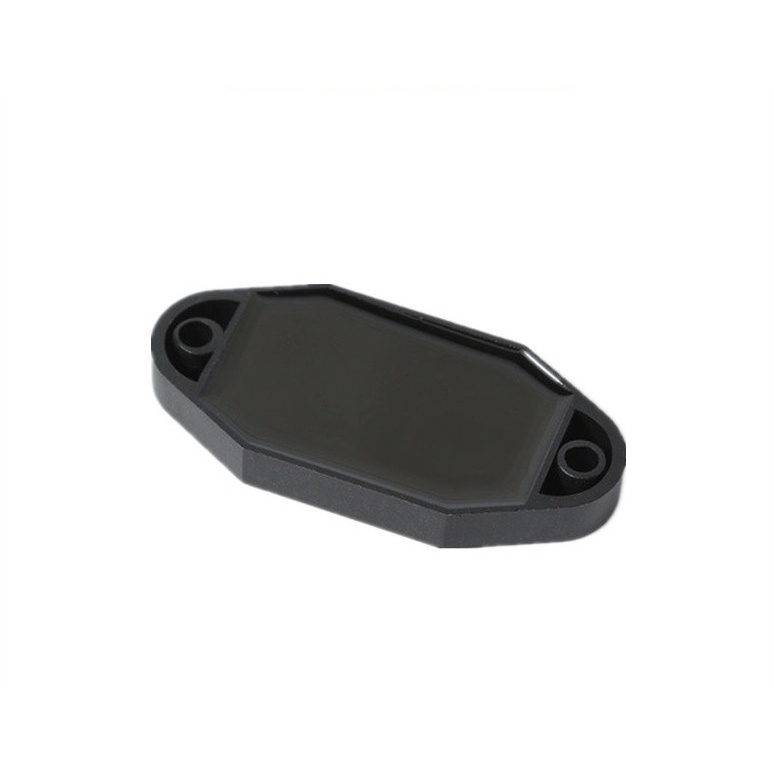
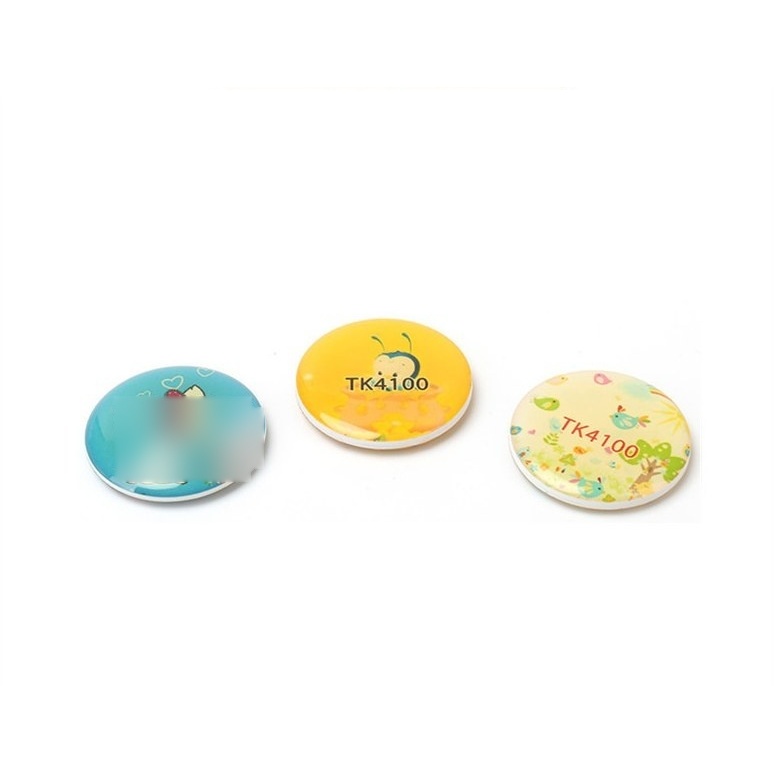
Specify the dimensions, artwork and attachment method. Check the tag where it will actually be used, including metal, packaging and nearby objects. Request the chip option explicitly; an LF access token is not a substitute for an NFC web-content tag. Validate the full encoded payload before approving print and production.
Choose the right level of security
Opening a URL and proving authenticity are separate project requirements. NXP’s NTAG 424 DNA family includes AES-128 authentication features, but a secure product experience also requires a suitable backend and key process. This is a technical evaluation path, not a claim that this chip is supplied in every catalog item.
NXP — NTAG 424 DNA security features ↗What to send for a prototype
Share the campaign purpose, final URL or record, phone test list, format, mounting surface, artwork and quantity. Confirm whether every item uses the same destination or an individual mapping. Ask for a representative encoded sample and validate both the physical tap and the destination page before scaling.
Technical references
Chip specifications come from the sources below. Selection advice is a project checklist, not a compatibility guarantee.